Football prediction app: how to choose one you can verify
Choose a football prediction app by checking its pre-match record, live and retrospective results, pricing and limits. Includes Android and iPhone PWA steps.

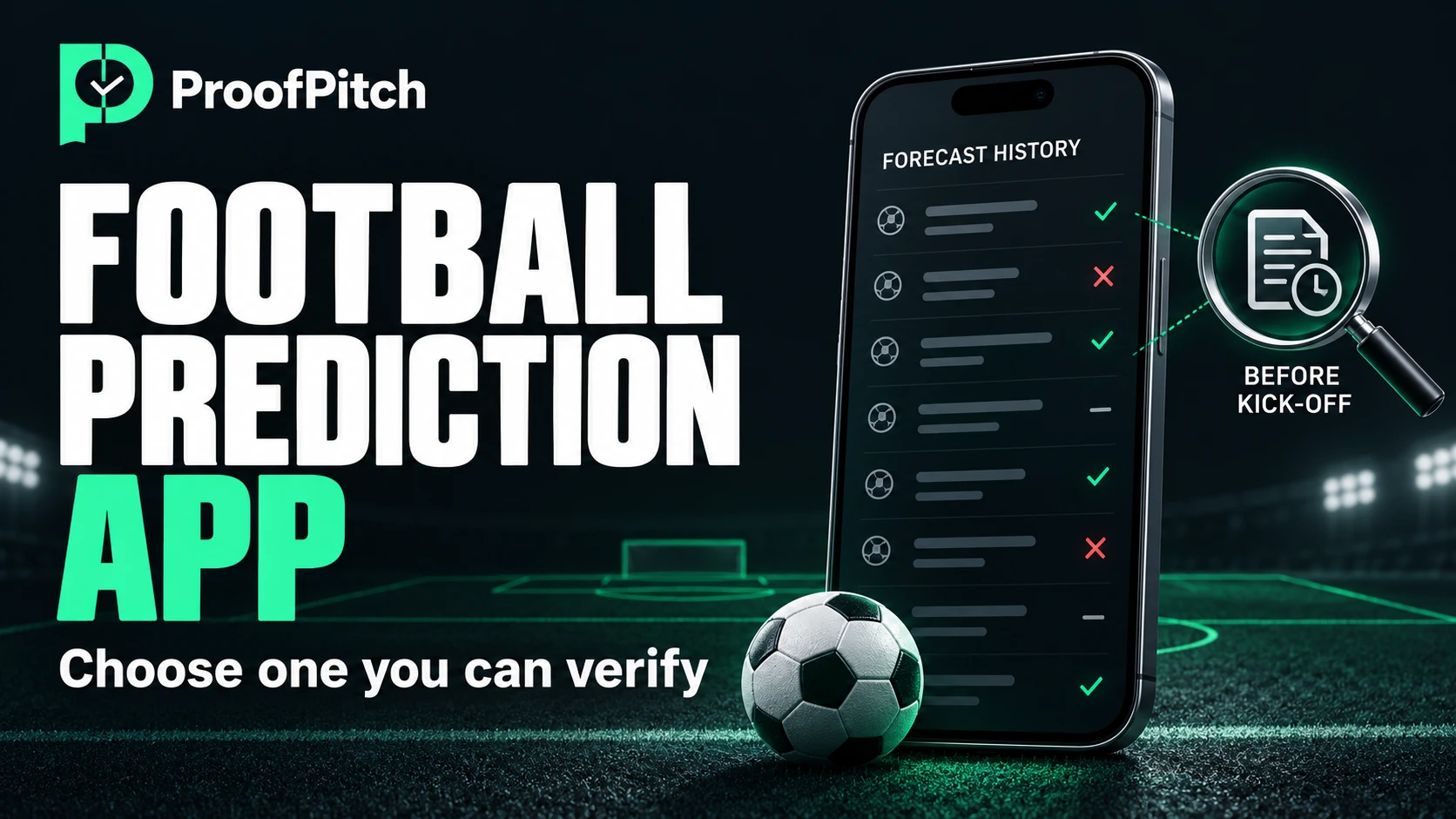
A useful football prediction app lets you check what it published before kick-off, see the results that went wrong and understand what its percentages mean. Start with the evidence behind its forecasts, then compare cost, coverage and installation. A polished interface or a popular download page tells you little about the quality of the underlying model.
Whether you search for a football prediction app or a soccer prediction app, the practical question is the same: can you inspect the service well enough to decide whether it deserves your attention?
This guide is for adults comparing apps in South Africa, Nigeria and Ghana. It covers analytics rather than accepting bets. You can carry out every check below without placing a wager.
What should a football prediction app actually do?
It should make a forecast understandable and leave enough information to evaluate it afterwards. At minimum, a forecast needs a match, a clearly defined outcome, a probability or explained confidence label, and a record of when it was issued.
Three kinds of product can appear in the same search results:
| Type of app | Main purpose | What to check |
|---|---|---|
| Prediction and analytics app | Estimates outcomes and explains the inputs or model | Pre-match records, probability definitions, results and limitations |
| Live-score or statistics app | Reports scores, events and historical performance | Data source, update time, competition coverage and any separate prediction feature |
| Prediction game or tipping community | Lets people make selections, compare scores or share opinions | Whether results belong to users or a model, scoring rules and whether money is involved |
A score forecast is also different from a prediction about the match winner. Getting the winning team right does not establish an exact-score hit. Likewise, a home-or-draw selection is not the same test as a home-win selection. Compare the service against the question it actually answered.
Five criteria to check before choosing an app
Use these five checks as a decision sheet. If an answer is missing, record it as unknown rather than filling the gap with a star rating or a favourable review.
| Criterion | Evidence to look for | A reason to pause |
|---|---|---|
| 1. A record made before the match | Publication time, kick-off time, exact selection and preserved revisions | A result screenshot with no earlier record |
| 2. Publicly inspectable results | Wins, losses, returns, dates and the total number of forecasts | A feed that displays only selected successes |
| 3. Separate forward and retrospective results | A clear distinction between forecasts recorded in advance and historical model checks | One combined percentage with no explanation |
| 4. Transparent access and pricing | Free features, trial end, price, access period and renewal terms | Payment requested before the conditions are clear |
| 5. Adult use and responsible design | 18+ policy, clear commercial disclosures and controllable notifications | Pressure to increase spending after an unfavourable result |
1. Look for a journal created before kick-off
Open an upcoming match and find the forecast's recorded time. Check the time zone: a publication time in UTC and a kick-off displayed in your phone's local time can look inconsistent even when the order is correct. Save the link or a personal note, then return after the game.
The record should tell you which market and period were assessed. “Home team to win” for the first half is different from the same selection for the full match. A total-goals selection needs its line; a handicap needs its sign and value.
Ask what happens when a forecast changes. A useful history preserves the original version, the revision and when each became available. An editable timestamp by itself is not independent proof that a selection existed earlier. Publisher-controlled records are more informative when users can verify how changes are detected.
You do not need to become a software auditor to ask a simple question: what can I check after the result that I could also have seen before it?
2. Inspect the unfavourable results and the denominator
Browse several dates, including a period with poor results. Check that the archive keeps unsuccessful selections and returned stakes alongside successful ones. An example selected for a landing page is not a substitute for the full record.
A percentage needs a denominator. Ask how many forecasts were settled, which dates they cover and whether they include every eligible selection. A record of eight successes from ten forecasts and one of 800 from 1,000 have the same observed rate, but very different amounts of evidence. Neither, by itself, settles whether the service will perform similarly in future.
Also check the scope. Does the headline number cover only selected rating levels, certain leagues or one market? If a forecast is excluded, the rule should be stated before its result is known. Changing filters until a favourable percentage appears is a weak basis for comparison.
3. Keep live records and retrospective checks separate
Here, live record means forecasts recorded before their matches were played. It does not mean an in-play prediction or a live score update. An app should explain which meaning it uses.
A retrospective check applies a model to matches that already happened. It can help investigate how the model behaves, but it answers a different question from a forward record. The test must respect what information was available at the time; using later information can make historical results misleading. The same concern underlies time-ordered model evaluation in the scikit-learn documentation.
Ask for separate totals, dates, rating filters and outcome rules. If the model changes, find out whether the archive identifies the version. A larger historical sample cannot simply be relabelled as a larger pre-match record.

Conceptual artwork about checking a complete record. The ledger does not contain actual ProofPitch results.
4. Check the real access cost
Distinguish free installation, a free account, a trial and ongoing access to forecasts. They are separate offers. A service can be free to add to your home screen while charging for some of its analysis.
Before paying, write down the amount, currency, access period, included leagues or features, and what happens when the period ends. Check whether renewal is automatic, how to stop it if it is, and where the refund conditions are published. Keep service costs separate from any betting activity.
Commercial relationships should be visible too. If a prediction app links to a bookmaker for compensation, look for a clear disclosure. Paying for a plan or following a partner link does not establish that the forecast is accurate.
5. Check age restrictions and the pressure the app creates
For this guide, betting-related use is for adults aged 18+, or the higher applicable age where you live. Check local rules before using betting-related services. An analytics provider and a bookmaker have different roles; an analytics app is not evidence that a linked operator is authorised in your country.
Choose settings that let you control alerts. You should be able to read a forecast without being pushed to increase spending, chase a loss or make an immediate decision. Declining a notification or skipping a match should be an ordinary option.
If you choose to bet, use a separate amount you can afford to lose and keep essential expenses outside it. If the activity becomes difficult to control, stop and seek appropriate local support. An app is optional; protecting your finances is not.
How to read probability, accuracy and price
An app's probability, its historical hit rate and a price shown on screen describe different things. Understanding the distinction prevents a common mistake: treating the largest displayed number as the best evidence.
A model percentage is an estimate
Suppose an illustrative match has these model estimates: home win 48%, draw 28%, away win 24%. The home win is the most likely individual outcome, but the other two outcomes together account for 52%. The leading outcome can still be less likely than everything else combined.
These are invented teaching figures, not a ProofPitch forecast. To understand how a model can produce such estimates, read our guide to mathematical football predictions.
Calibration asks whether the percentages match outcomes
Across a sufficiently large group of comparable forecasts assigned around 70%, you would look for an outcome frequency reasonably close to that estimate. It does not mean the next ten matches must produce exactly seven successes. Read dates, sample sizes and selection rules alongside any calibration display. Calibration is a central idea in research on probabilistic forecast evaluation.
A label such as “high confidence” needs a definition. Ask whether it means probability, data quality, disagreement with market prices or a combination. Labels from different apps are not automatically comparable.
A high hit rate can still lose money
Consider a fictional paper record of 100 selections, each with decimal odds of 1.20 and an equal R10 stake. Assume 80 win and 20 lose, with no returns, fees, taxes or promotions.
| Item | Calculation | Amount |
|---|---|---|
| Total staked | 100 × R10 | R1,000 |
| Total returned by the winners | 80 × R10 × 1.20 | R960 |
| Net result | R960 − R1,000 | −R40 |
The observed hit rate is 80%, but the net result is negative. Total return includes the original stake; profit does not. This is an arithmetic example, not a suggested betting budget or an actual app's performance. The same calculation works in any consistently used currency.
Know which price you are looking at
A decimal price calculated directly from a 48% probability is about 2.08 before any margin or adjustment: 1 ÷ 0.48. That mathematical reference is different from an executable bookmaker offer.
ProofPitch's methodology describes its forecast-card price as calculated from the market price with a 5% margin added. It is not a bookmaker quote. Its minimum-odds threshold is a separate model-based reference. Check the label and source instead of assuming that a number on a card is available to place a bet.
A practical way to compare two apps without betting
Start by choosing a fixed observation period, one market and a common set of fixtures that both apps cover. For example, use full-match home-win forecasts for the same competition. Do not compare exact-score hits in one app with double-chance hits in another.
- Define the rules first. Choose which forecasts qualify, when you will capture them, and how cancellations, returns and missing predictions will be recorded.
- Record both apps before kick-off. Save the original time, market, probability, any clearly labelled price and the evidence link. Keep model updates or revisions identifiable.
- Keep every eligible result. Include unsuccessful selections and missing data. If an app abstains, record that separately rather than treating it as a successful forecast.
- Compare the same sample. Report counts and dates before percentages. Review probability quality separately from hypothetical returns.
- Treat the conclusion as provisional. A short observation period helps test usability and record quality; it cannot establish long-term predictive quality.
Use a simple worksheet:
| Field to record | Why it matters |
|---|---|
| Match and competition | Keeps the sample comparable |
| Market, line and match period | Defines exactly what was predicted |
| Publication time, kick-off and time zone | Establishes the recorded sequence |
| Probability and model version, if shown | Preserves the original estimate |
| Price type, source and capture time | Separates calculations from available offers |
| Outcome and settlement category | Keeps wins, losses and returns distinct |
| Original link and revision notes | Makes your comparison easier to revisit |
Different rules can produce different results even for the same match. For a concrete example, compare draw no bet and double chance: their treatment of a draw is different, so their success measures must be interpreted differently too.
What to check in South Africa, Nigeria and Ghana
Start with the competitions you actually follow. A service's global league count does not tell you whether it has useful coverage of South African domestic football, Nigeria's NPFL or Ghana's Premier League. Look for current fixtures, completed results and an explanation of any missing data. Coverage of European football does not establish coverage of local competitions.
Check how the app labels match times. South Africa, Nigeria and Ghana use different local time zones, so confirm whether the display follows your device or uses a stated reference zone. This matters when comparing publication times, kick-off times and notification timing.
Test the experience on the connection and phone you normally use. Can you read the full forecast and history on a small screen? Does the page remain usable without playing video? Is the latest update time visible? A claim that an app is lightweight needs a relevant measurement; an install button alone tells you nothing about mobile data use.
When comparing paid plans, confirm the checkout currency and any external conversion or transaction costs. Do not assume that a familiar local payment method is supported, or that it costs the same in every country. Verify current terms directly before purchasing.
Check the publisher, privacy and permissions
Start from the provider's official website and follow its installation links. A familiar name or copied badge is not enough to identify the publisher. For a native app, compare the developer name, support details and privacy notice with the provider's own site. For a web app, check the domain before signing in.
Read what happens to account details, saved matches and usage data. Look for a way to delete your account and control optional analytics. A privacy policy is a statement of the provider's practices, not an independent test that every practice is implemented as described.
Consider each permission separately. Notifications may be useful for reminders; you can decline them while evaluating the service. If an app requests contacts, messages, a camera or precise location, ask which specific feature needs that access before granting it. The ability to read a forecast does not by itself explain an unrelated permission request.
ProofPitch publishes a privacy policy describing its data handling and user choices. Read it alongside the current sign-in and settings screens. This article has not audited those controls on a personal account.
Install a PWA on Android or iPhone
A progressive web app, or PWA, is accessed through a website and can be added to your phone's home screen. This is a different installation route from downloading a native app from a store. ProofPitch offers the web-app route through its official website.
With the site already open, adding it can be a short process. The exact wording and time depend on your browser, operating system, connection and any sign-in steps. Use these instructions as a route, not a timed promise.

Conceptual artwork, not an Android or iPhone screenshot. Follow the written browser steps below.
Android: use Chrome
Open the official web app in Chrome. Tap More beside the address bar, then Install and create shortcut → Install, and follow the prompts. Depending on your version, the option may be labelled Install app or Add to Home screen. Reopen it from the new icon. See Google's current instructions.
iPhone: use Safari
Open the official web app in Safari. Tap Share, or Page Menu → Share depending on the layout, then Add to Home Screen. Enable Open as Web App if offered, then tap Add. If the action is missing, look under Edit Actions. Reopen the new icon. See Apple's current instructions.
If installation is unavailable
Open the link in the full browser rather than an embedded social-media browser, check that you are on the official domain and update the browser if needed. If the app is already installed, use its existing icon. You can continue with the web version while checking the installation instructions.
Installation does not establish offline access. Google notes that some web apps do not work completely without an internet connection. Current fixtures, updated forecasts and newly settled results need a way to receive fresh data. Do not assume that an older saved screen is current.
Where ProofPitch fits in your comparison
Apply the same checks to ProofPitch. Its published methodology describes a timestamped pre-match journal, a hash chain for checking record changes, separate live and retrospective results, and statistics limited to Strong and Good forecasts. Forecasts marked Watching are reference material. These are the publisher's descriptions, not an independent audit performed for this article.
The same document states that the current model does not use confirmed line-ups or injury information. Consider those limits when reading its estimates. A rating is a model assessment, not an outcome.
Its dated note for 16 October 2026 reports 137 checked Strong and Good forecasts, with 20 recorded before their matches. That is an early forward sample; the larger combined count should not be read as 137 pre-match forecasts.
For cost, the published subscription policy, checked on 16 October 2026, states:
- Seven days of full access after registration, without a card or automatic charge afterwards.
- A continuing free plan, including public statistics and open history.
- Premium access at USD 4.99 for 30 days or USD 12.99 for 90 days.
- Fixed access periods with no automatic renewal.
Recheck the plan screen and policy before purchasing; access and prices can change. Installing the app is separate from buying Premium. ProofPitch provides analytics and includes disclosed paid bookmaker partner links in the app. This article links to ProofPitch's own pages and does not include a bookmaker referral link.
What a prediction app does not promise
It cannot remove uncertainty from football or establish future performance from a selected run of past results. Paying for access buys the stated service features, not an income. A probability estimate can be wrong, a data feed can be incomplete and the information available to a model can change.
Do not infer that an app includes injuries, confirmed line-ups, every league or in-play updates unless its documentation says so. Nor does a browser install, an app-store listing or a large community prove that its probabilities are reliable. Those are different checks.
Choose an app when its purpose, record and limits are clear enough for you to use it thoughtfully. You can also decide that a statistics page and your own notes are sufficient.
Frequently asked questions
What is the best football prediction app?
There is no single choice established by this guide. Compare the record, market coverage, probability definitions, price and practical phone experience. A named ranking needs a stated test and comparable evidence; this article provides a selection method rather than an untested leaderboard.
Is a soccer prediction app different from a football prediction app?
For association football, the terms describe the same broad category. Check the actual sport, competition and market because “prediction app” can also mean a community game, a live-score tool or a service covering several sports.
Can I evaluate an app without placing bets?
Yes. Capture forecasts before kick-off, save the rules and review results on paper. This lets you examine clarity, completeness and probability quality without staking money. Any hypothetical return calculation must identify its assumptions and stay separate from actual betting results.
Is a paid app more accurate than a free app?
Price alone does not answer that. A paid tier may offer additional markets, filters or access, while a free tier may provide enough evidence to evaluate the model. Compare equivalent forecasts and inspect the terms before paying.
Can a pre-match forecast change?
A service may revise an estimate as inputs change. Look for a preserved original record and a dated revision, so that an earlier forecast is not silently replaced when the result becomes known. Decide in advance which version your comparison will use.
Does installing ProofPitch require an app-store download?
ProofPitch offers installation from its web app through the browser's home-screen route. Start from the official site and follow the Android or iPhone steps above. This guide does not direct you to a look-alike store listing or an APK download.
Check the evidence, then decide whether to install
Before choosing, confirm five things: a record before kick-off, publicly inspectable outcomes, separate live and retrospective evidence, clear access costs, and adult-use safeguards. Then check your competitions and whether the app works comfortably on your phone.
Open ProofPitch and install the web app
Use the home-screen instructions above. Opening the link starts the web app; installation is a separate action in your browser.
Sources and editorial method
Browser instructions and product information were checked on 16 October 2026. This guide uses official platform documentation, published ProofPitch policies and original educational calculations. Product descriptions have not been independently audited here. The article and conceptual illustrations were prepared with AI assistance; the calculations were checked programmatically. No personal betting experience or hands-on accuracy ranking is claimed.
- ProofPitch methodology: definitions, record scope, calculated price and model limitations.
- ProofPitch subscription policy: trial, paid access periods, prices and renewal terms.
- ProofPitch privacy policy: data handling and user choices.
- Google Chrome Help: use web apps: Android installation.
- Apple Support: turn a website into an app: iPhone installation.
- scikit-learn: TimeSeriesSplit: time-ordered evaluation.
- Gneiting and Raftery: Strictly Proper Scoring Rules, Prediction, and Estimation: probabilistic forecast evaluation.
18+ or the higher applicable age where you live. Educational football analytics only. Betting involves financial risk. Do not use money needed for essential expenses or try to recover losses by increasing spending.